
Executive Summary: The Hybrid Approach
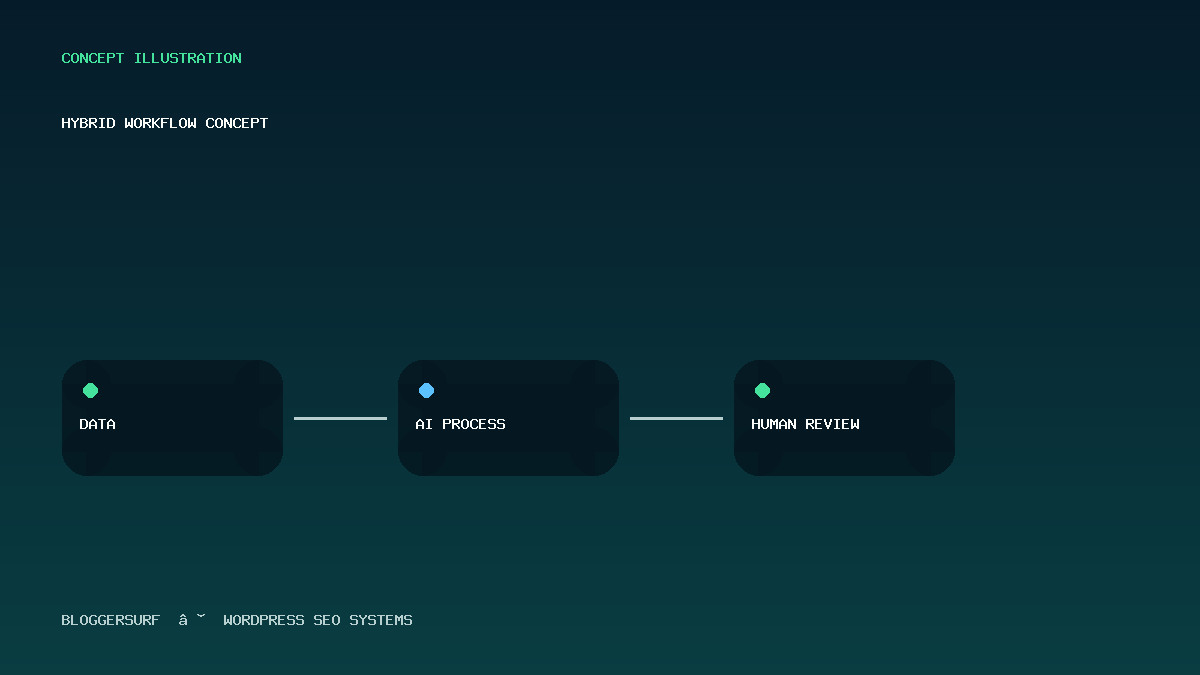
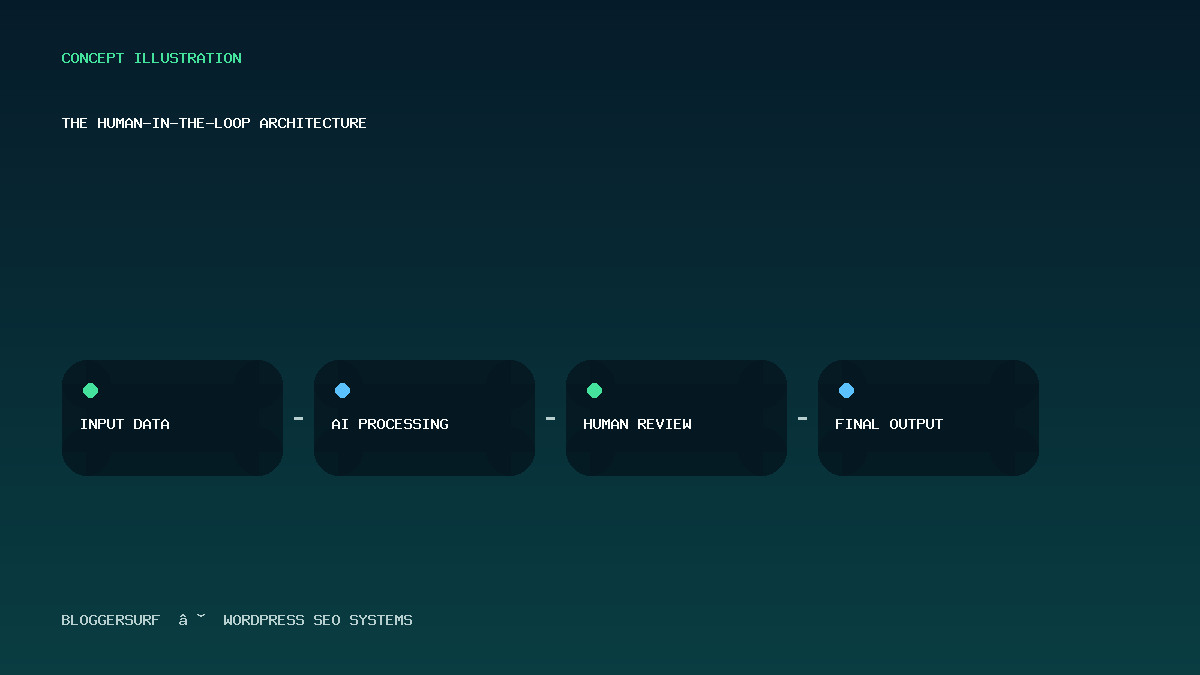
The most effective SEO automation workflow best practices reject the notion of fully autonomous publishing. Instead, they rely on a “human-in-the-loop” architecture where AI agents handle repetitive tasks—keyword research, competitor analysis, and initial content generation—while human operators retain final authority over tone, factual accuracy, and strategic alignment.
This setup typically involves three distinct layers: Input (scraping or internal data), Processing (LLM refinement via Make/Zapier), and Output (WordPress publication with schema injection). The critical failure point in most implementations is the lack of a verification step between AI generation and live publishing, which can lead to hallucinated facts or broken code.
Architectural Components and Decision Points
To build a robust system, you must decide on your trigger mechanism, your processing engine, and your verification gate. These components determine the latency, cost, and reliability of your workflow.
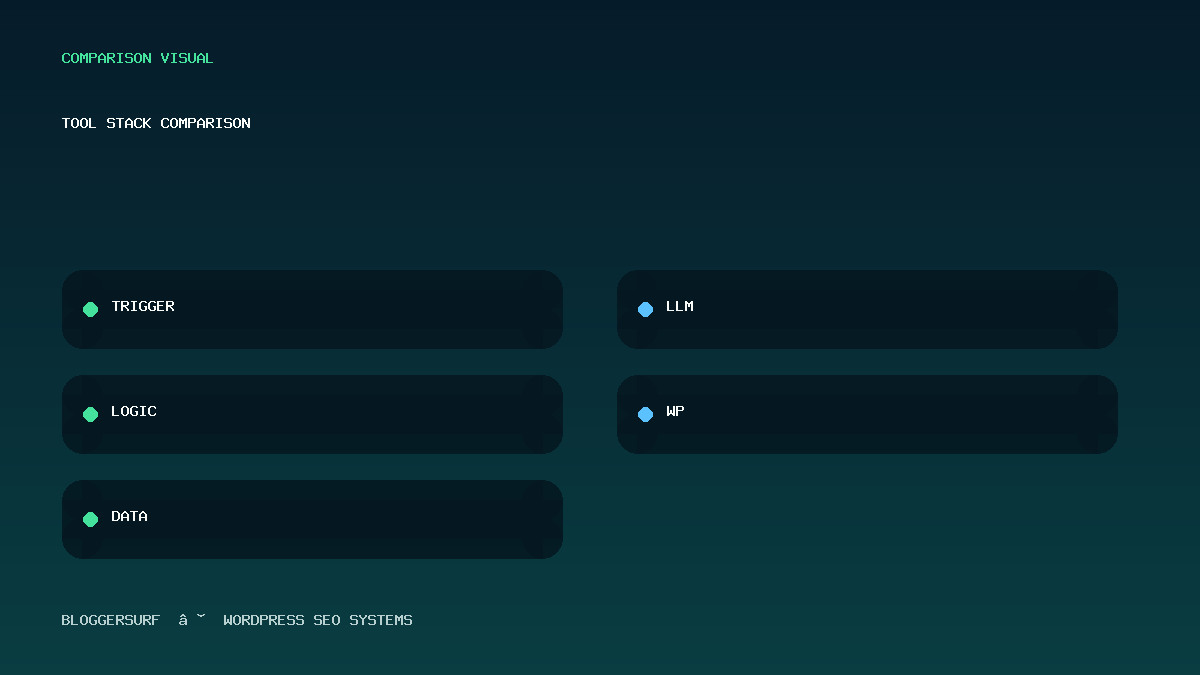
1. The Trigger: When does the workflow start?
The automation begins with an event. Common triggers include:
- Schedule-based: A cron job or calendar trigger that runs weekly to update old posts.
- Data Change: A webhook from a Google Sheet or Airtable that notifies the system when new market data is available.
- Search Intent Shift: Monitoring SERP positions and triggering an update only if a competitor moves significantly in rank.
Best Practice: Avoid triggers based solely on “time.” Use business logic (e.g., “Update when inventory changes” or “Update when new regulation passes”) to ensure relevance.
2. The Processing Engine: Where does the AI live?
You have two primary architectural choices:
- Direct API Calls: Connecting WordPress plugins directly to OpenAI or Anthropic APIs. This offers lower latency but requires managing API keys and rate limits within your server environment.
- No-Code Intermediaries (Make/Zapier): Routing requests through a visual builder. This adds a small latency cost (1–2 seconds) but provides robust error handling, logging, and the ability to chain multiple tools (e.g., Research Tool -> LLM -> WordPress) without writing custom code.
Decision Point: For complex workflows involving data extraction from PDFs or images, No-Code intermediaries are superior because they handle file parsing before sending text to the LLM. For simple copy updates, direct API calls may suffice.
3. The Verification Gate: How do we prevent errors?
This is the most critical component for maintaining SEO health. Before a post hits publish, the workflow should run automated checks:
- Syntax Validation: Ensure HTML tags are closed and CSS classes match the theme.
- Schema Injection: Automatically append JSON-LD script blocks to the post content before saving.
- Tone Check: Use a secondary LLM call to rate the generated text against your brand voice guidelines (e.g., “Is this too casual?” or “Does it mention our USP?”).
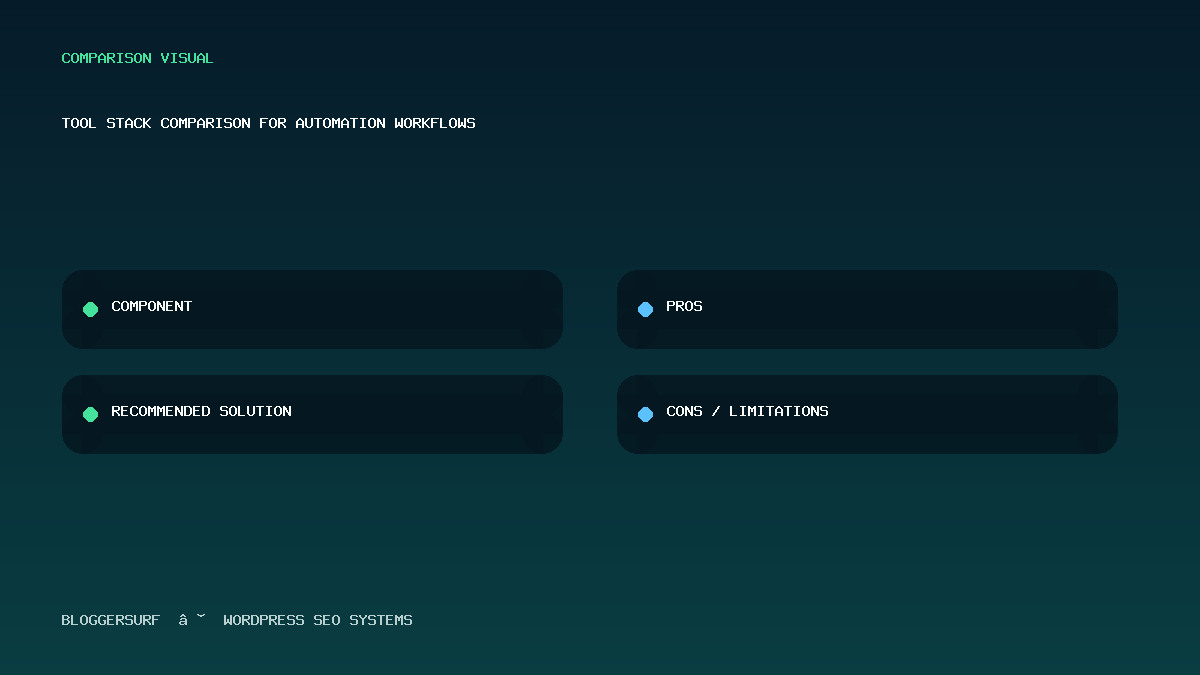
Tool Stack Comparison for Automation Workflows
| Component | Recommended Solution | Pros | Cons / Limitations |
|---|---|---|---|
| Trigger & Logic | Make.com (Scenarios) | Visual interface, built-in error handling, easy to add steps like “Wait 5 minutes”. | Slight latency; free tier limits complex scenarios. |
| Data Extraction | Custom Python Script / OCR API | Precision control over PDF parsing and image recognition. | Requires developer knowledge to maintain. |
| LLM Processing | OpenAI API via Make | High reliability, consistent output quality. | Costs scale with usage; requires prompt engineering. |
| WordPress Integration | WP REST API or Webhooks | Direct write access to posts, meta, and taxonomies. | Requires handling authentication tokens securely. |
Step-by-Step Implementation: The “Safe” Workflow
Below is a reproducible workflow designed to minimize risk while maximizing efficiency. This assumes you are using Make.com as the orchestrator and WordPress as the target.
Step 1: Define the Data Source
The workflow must know what data it needs. If you are automating content updates, your source might be a Google Sheet containing keywords and target word counts. If you are scraping competitor data, your source is a list of URLs.
Limitation: Do not automate workflows that rely on unstable external APIs without a fallback mechanism. If an API goes down, the workflow should log the error and retry later, rather than failing silently or breaking your site.
Step 2: The Research Phase (AI Agent)
The first agent in your chain performs research. It might use a tool like Perplexity or a custom scraper to gather information based on the keywords from Step 1.
Prompt Strategy: Provide the AI with specific constraints. Do not say “Write an article.” Say: “Analyze the provided search results for [Topic]. Identify three distinct angles that are not covered by the top 5 current SERP results. Summarize these angles in bullet points.”
This ensures the AI is solving a specific problem (finding gaps) rather than just generating generic text.
Step 3: The Drafting Phase (AI Agent)
The second agent takes the bullet points and expands them into full paragraphs. This is where hallucinations often occur. To mitigate this:
- Context Injection: Pass your brand guidelines and a few examples of your best past articles as context to the LLM.
- Structured Reasoning: Ask the AI to outline its logic before writing the final draft. This often improves logical consistency, though it increases token usage.
Step 4: The Review Phase (Human-in-the-Loop)
This is non-negotiable for best practices. The workflow should not auto-publish. Instead, it should:
- Create a draft in WordPress.
- Add the generated content to the editor.
- Set the status to “Review”.
- Send a notification (Slack/Email) to the operator.
The human operator then reviews the draft. They might approve it, request edits, or discard it if the research was poor.
Step 5: The Publishing Phase
Once approved (or after a set time for auto-publishing), the workflow:
- Saves the post as “Published”.
- Injects the JSON-LD Schema script into the post content (using a custom field or plugin hook).
Troubleshooting: Common Failure Modes
Even with a well-designed workflow, issues arise. Here are common failures and how to diagnose them:
Issue 1: The “Infinite Loop” of Updates
Symptom: Your workflow keeps updating the same post every hour because it detects a change in your data source.
Cause: Your trigger condition is too sensitive. For example, if you are monitoring a price that fluctuates by $0.01, the system might think the content needs updating constantly.
Solution: Implement a “Cooldown” period in your workflow logic. Only trigger an update if the data changes by a significant margin (e.g., >5%) or if it has been at least 24 hours since the last update.
Issue 2: Broken Links or Missing Images
Symptom: The generated article contains links that return 404 errors or references to images that don’t exist.
Cause: The AI hallucinated a source. LLMs often invent citations that look plausible but are fake.
Solution: Add a verification step in your workflow that checks the status code of every link mentioned in the text before saving the post. If a link is broken, flag the post for manual review.
Issue 3: Schema Mismatch
Symptom: Google Search Console reports “Invalid rich results” shortly after publishing.
Cause: The JSON-LD script injected by the workflow does not match the actual content (e.g., the title in the script differs from the post title).
Solution: Ensure your workflow dynamically generates the schema based on the final saved title and URL. Do not hardcode static schema unless the content is truly static.
Trade-offs by User Use Case
The “best practice” depends heavily on your specific situation. Here is how different users should approach automation:
| User Type | Recommended Strategy | Risk Profile |
|---|---|---|
| Small Business Owner | Low-Frequency Automation: Use Make.com to schedule weekly updates for static evergreen content. Keep human review mandatory. | Low risk, high control. |
| SEO Agency | High-Volume Automation: Use custom scripts to batch-process client sites. Implement strict QA pipelines before bulk publishing. | Medium risk; requires rigorous testing. |
| E-commerce Store | Data-Driven Automation: Automate product descriptions and category pages based on inventory updates. Avoid automating reviews or user-generated content. | High risk of spam flags if over-automated. |
Conclusion: Verification is the Key Metric
When evaluating your SEO automation workflow, do not measure success by “words written” or “pages published.” Measure it by accuracy retention.
A good workflow automates the boring stuff but keeps the human in the loop for the critical stuff: strategy, tone, and fact-checking. By implementing the hybrid architecture described above—clear triggers, robust verification gates, and a strict no-hallucination policy—you can scale your SEO efforts without sacrificing the quality that search engines reward.
Remember: Automation is a tool to amplify human intent, not replace it. Always verify before you publish.
If you want to learn more about AI Automation workflows.